 English
 Türkçe
 Deutsch
 Русский
 Français
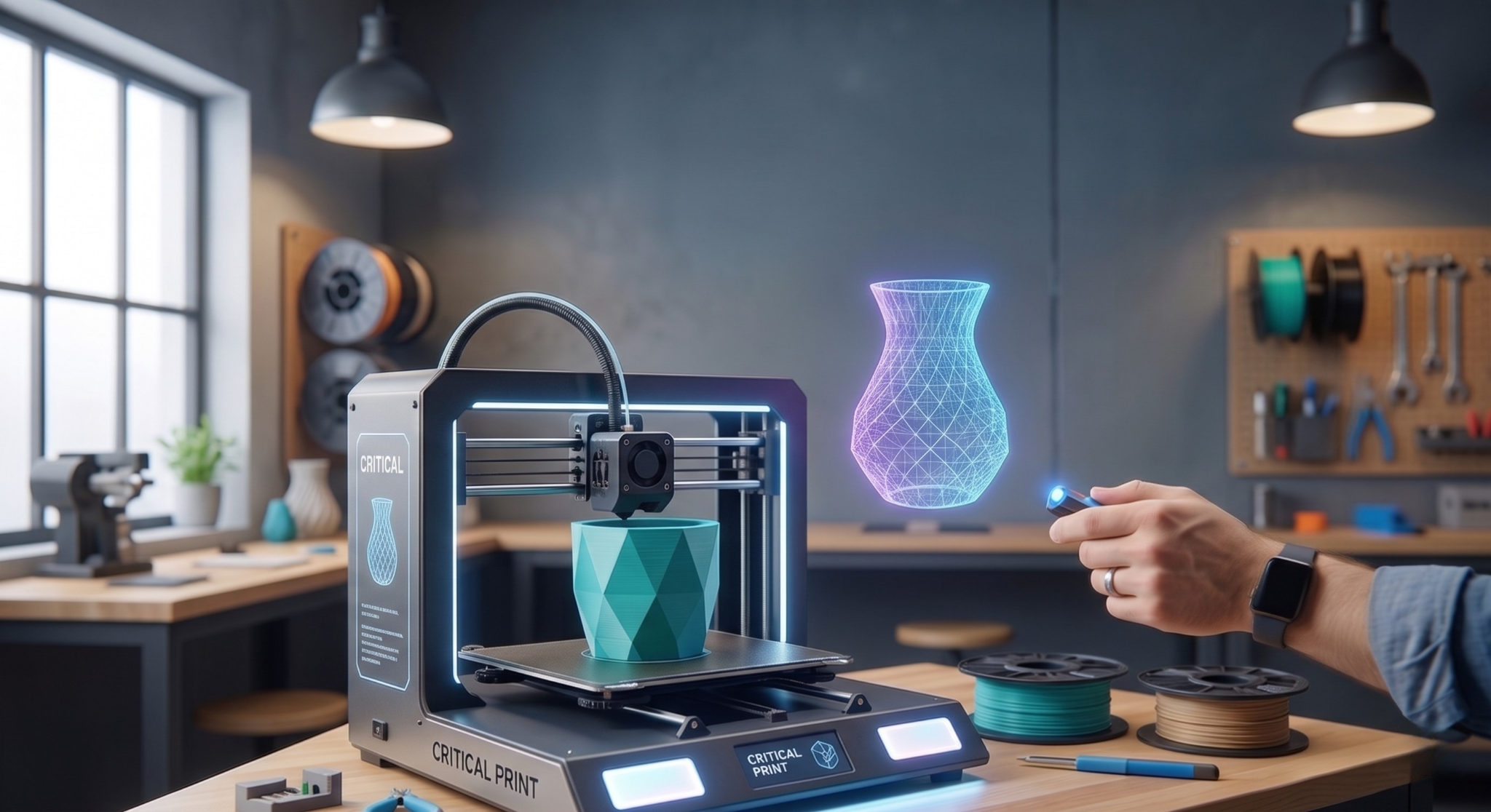
Finding a great STL file is only half the battle; the other half is converting that file into a high-quality physical object. To improve your print quality, start by optimizing your slicing settings according to the model's geometry. Manually placing support structures for complex figures significantly enhances surface smoothness. Additionally, checking your bed calibration before every large print and monitoring your filament's moisture level prevents common errors like stringing. When the right STL meets the right technique, the result is not just a piece of plastic, but a masterpiece of engineering.
#3DPrintingTips #SlicingSettings #TechnicalGuide #PrintQuality #3DPrinter #STLPrinting #MakerTips
Critical Steps for Flawless Printing: The Journey from STL to Physical Object
No more failed prints! Learn 5 critical technical tips from slicing settings to bed calibration that will ensure flawless 3D prints and take your print quality to the top.

Creatifx3D
Author
May 10, 2026
Published